Tags that are actually yours
Add tags on any project, see them on its card, then filter the whole library by the labels that make sense to you.

You have built more than you remember. Workbench finds every project on your drive, runs the ones you trust, and puts them all on one shelf.
Download for Mac90 seconds. No signup, no pricing table, no webinar.
It was going to be the one. You got it to 90%. Then a client emailed, and you named the folder something reasonable, and that was eighteen months ago.
It is not lost. It is just unlabelled. There is a difference, and the difference is one download.
Scan → Identify → Run → Screenshot → Browse
Now shipping · v1.0.4
Tag projects, surface hosted videos, collect favorite images from File Finder, and make room with a collapsible sidebar.
Add tags on any project, see them on its card, then filter the whole library by the labels that make sense to you.
The Videos tab finds YouTube, Vimeo, Wistia, Voomly and Loom links throughout a project and lays them out ready to play.
Heart images straight from File Finder. Removing one takes a deliberate second click, so a stray tap does not lose your collection.
Workbench checks its public GitHub releases and keeps an Update available button visible whenever a newer signed build is ready.
No account, updater service or background installer. Just the public release feed and one click when you are ready.
01
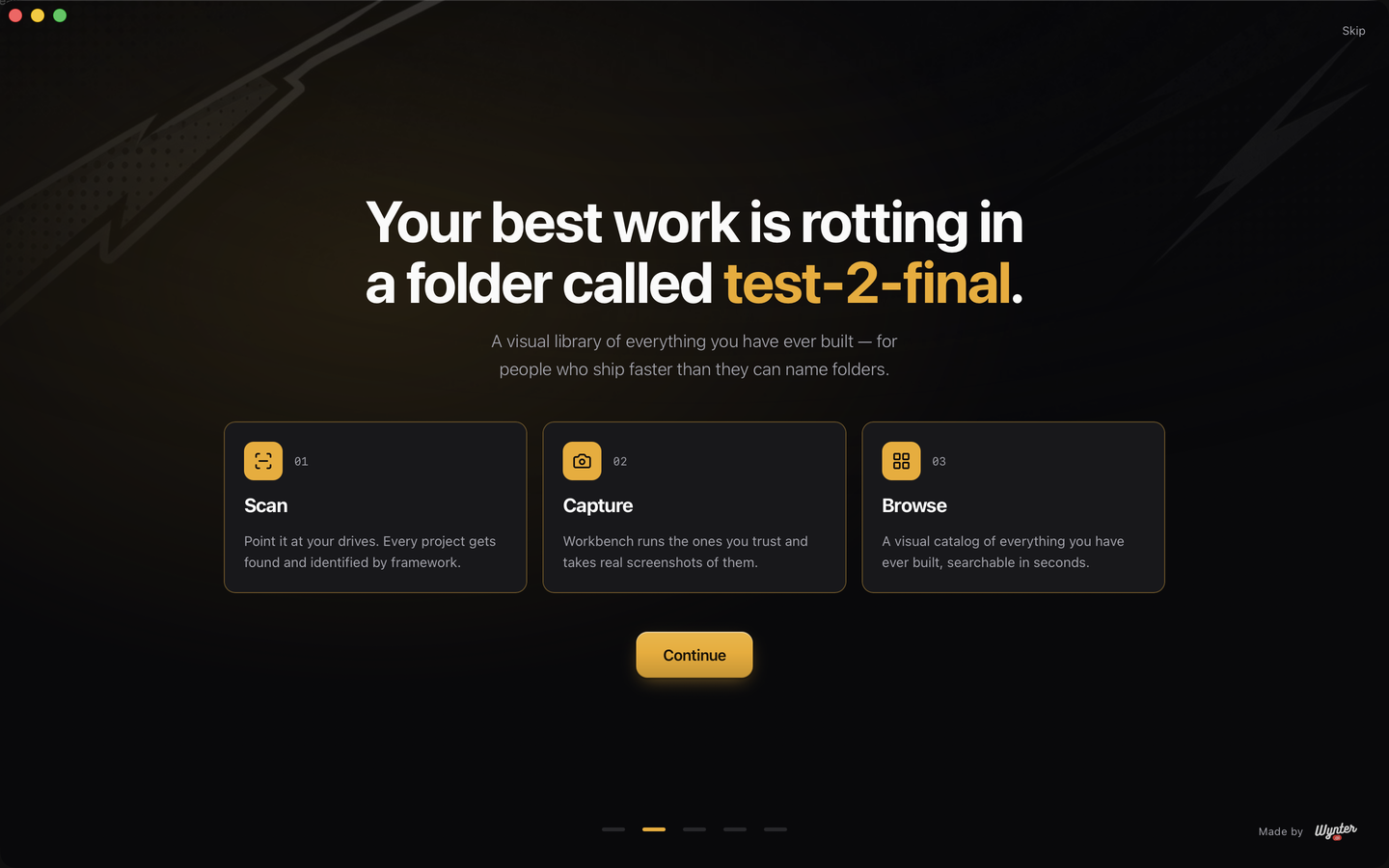
Pick ~/Code, an external drive, that Dropbox folder you are afraid of — Workbench walks the whole thing and reads the signature files. Next.js, Vite, Tauri, Rails, Go, Rust, Python, WordPress, Chrome extensions, Godot. It knows a Tauri app from the Vite app living inside it, skips node_modules, gems and dot folders, and clears projects whose folders disappeared.
Scanning never runs a line of your code. It only reads.
02
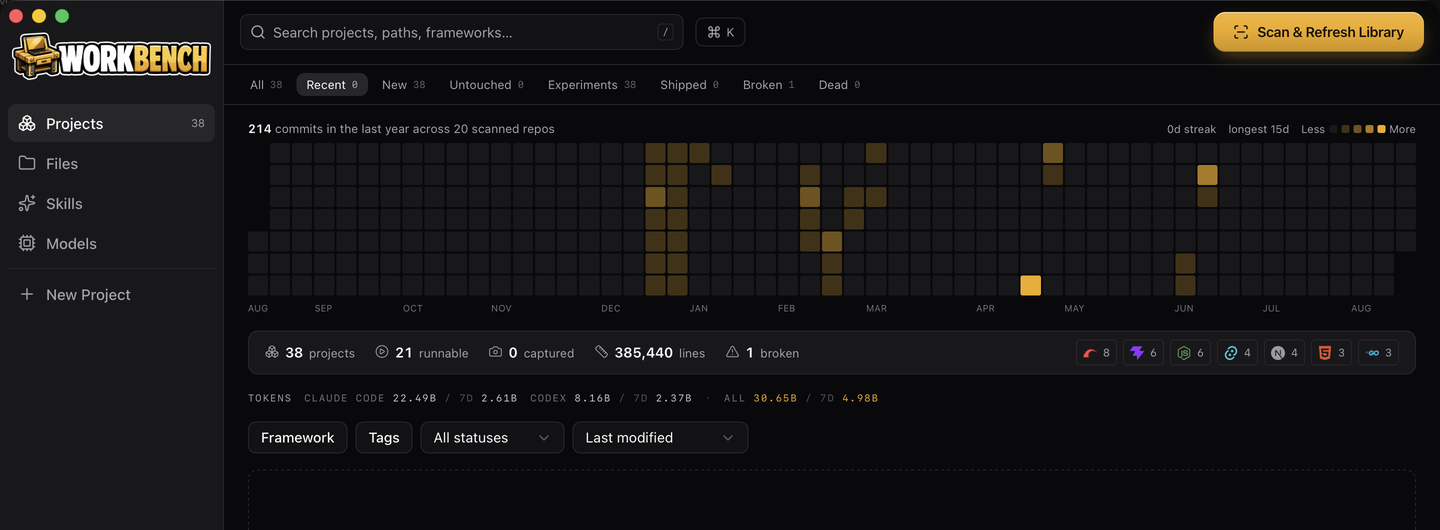
For the ones you explicitly trust, Workbench starts them, waits for the server to answer, grabs a desktop and a mobile screenshot, then kills the process. Come back to a wall of cards you can actually recognise.
Each one carries a ship score built from real signals — does it run, does it have a README, auth, payments, deploy config, tests, recent commits — plus an honest guess at how much work is left. Sort by it and the top of the list is your afternoon.
Chrome extension? Godot game? It tells you how to run it instead of pretending it can.
03
Cached Miller columns, so you can see where you are without waiting. Instant preview for code, markdown, images, video and PDFs. Git status right in the gutter, favorite folders one jump away, and build artefacts folded away so a repo reads like a repo instead of a landfill.
Need to present the documents? 007 Mode recursively gathers Markdown and PDFs into a draggable dossier wall with polished document typography.
There is a real terminal in here too — a proper PTY you can dock, float, drag around or throw full screen, wired straight to Claude Code and Codex.
04
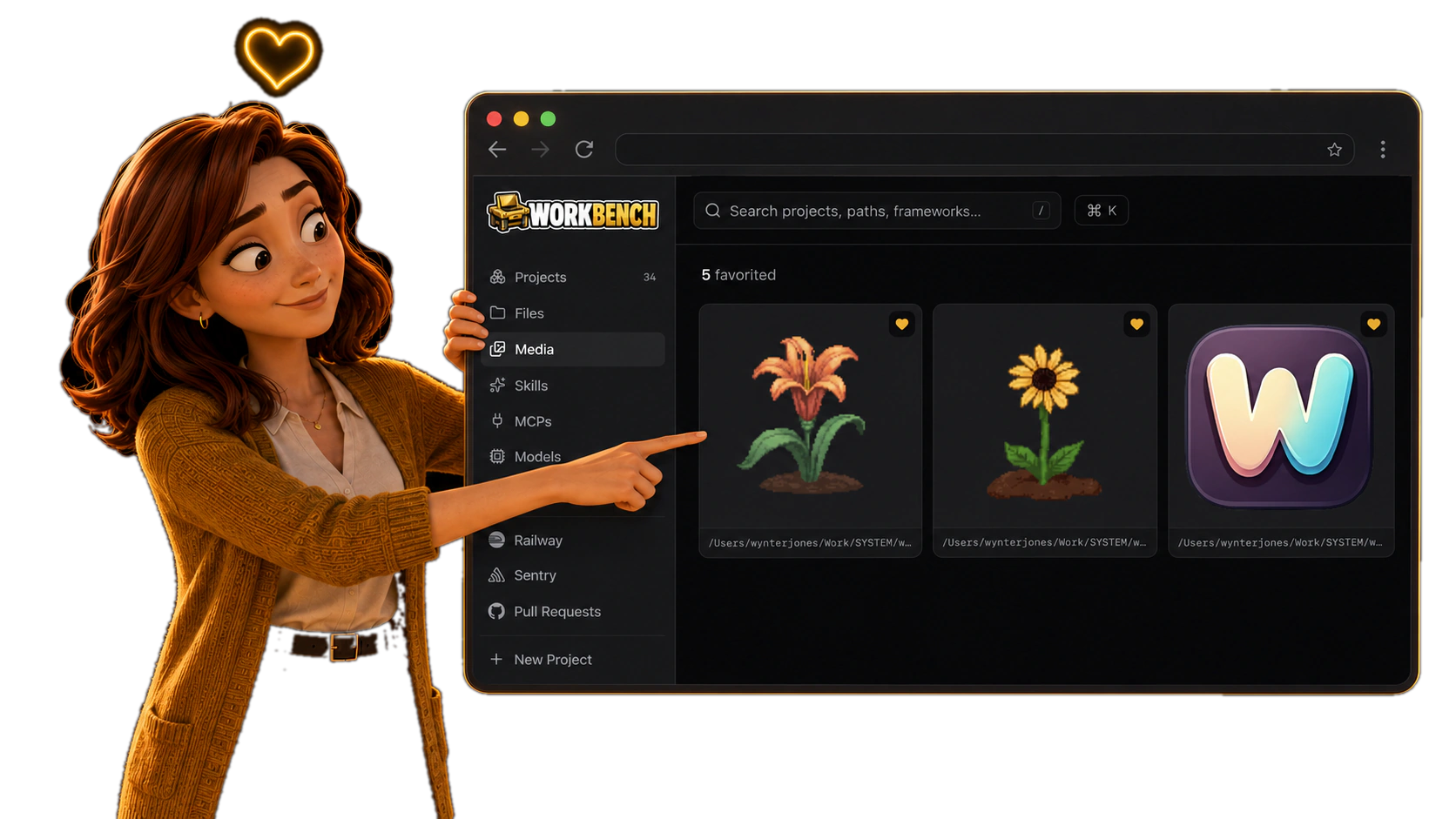
Workbench pulls every image and video out of your projects and puts them in a lightbox. That mockup you made for a pitch in March, the logo you paid for, the demo gif that took four takes — all of it, findable.
Heart the good ones from Media or File Finder and they collect on a shelf of their own. Filters, layout, columns and page size stay how you left them, and removing a favorite asks for one quick confirmation.
05
Every agent skill on your machine, listed, readable, and editable in one place — instead of buried in a dot-directory you have to remember the name of. Search the skills.sh registry and install straight from the app.
06
Workbench reads the MCP config for Claude Code, Codex, Gemini CLI and Cursor and shows you what is actually connected, global and per project, with env values kept redacted.
Then it turns itself into one. Flip it on in Settings and any agent can ask your catalog questions — search every project, pull one project's full detail, get library totals. Your agent stops guessing what you have built, because now it can look.
07
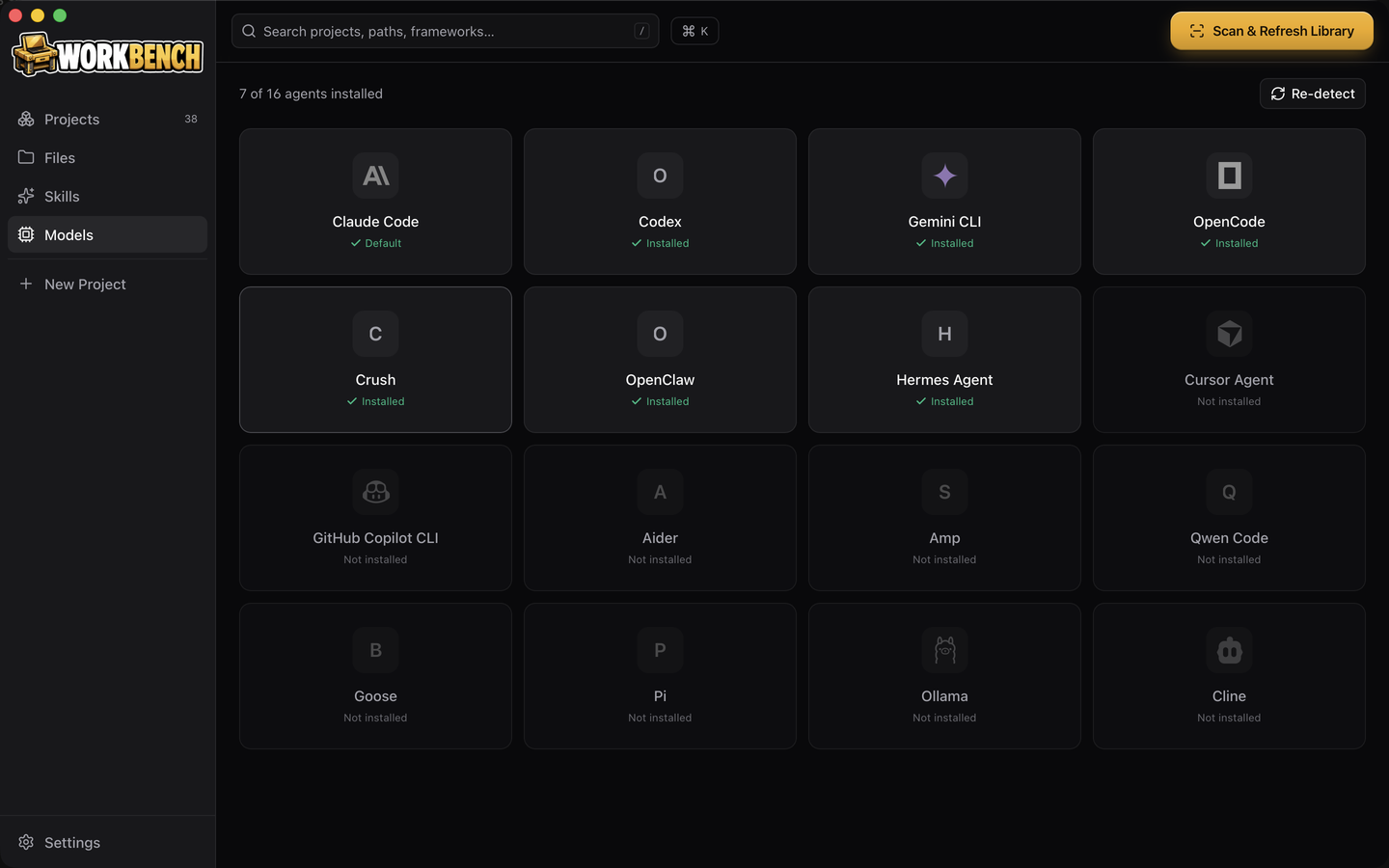
Claude Code, Codex, Gemini, Cursor, Copilot, OpenCode, Crush, OpenClaw, Hermes, Pi, Ollama and friends — detected, versioned, and sat in one grid. Install commands for the ones you have not got. A default you can set once.
08
Turn on a plugin, paste a token, pick the projects worth watching. Each one earns its own sidebar link and its own dashboard — so deploys, errors and reviews sit beside the code they belong to, instead of in a browser tab you closed.
Deployment status per service and environment, newest first. Green means shipped, amber means still building, red means you should probably look up.
Unresolved issues from the last two weeks, with event counts. Click one for the stack trace, then copy the whole thing as a prompt and hand it to an agent.
Open PRs across the repos you track — and you can narrow each repo down to the people you actually care about. Watch just yourself. Nobody has to know.
Tokens go straight into the macOS Keychain — never the Workbench database, never plain text. Every plugin is read-only.
09
New Project opens a shelf of starters — Next.js, T3, Remix, Nuxt, SvelteKit, Astro, Tauri, Rust, Go, FastAPI, Rails, Laravel, Expo, Chrome extensions, and about a hundred more. Pick one, name it, and Workbench runs the official create command for you. It lands in the catalog scanned and ready.
Every one of these is a real thing somebody shipped, or nearly shipped, and then could not find again. Workbench does not judge. It just labels.
testtest2test-finaltest-final-FINALuntitled folder 7new-app-copyasdftemp-delete-laterproject-real-this-timebackup-of-backupTen of these are on your machine right now. Statistically. Probably.
Everything lives in ~/.workbench — a SQLite database, your screenshots, some generated prompts. No account. No telemetry. No sign-in wall between you and your own files. The only background request is a public GitHub release check; everything else goes only to services and actions you choose.
Workbench never runs your project code without permission. Scanning is strictly read-only. Running a project means approving the exact command first, every time.

It takes one scan. Worst case, you rediscover a side project worth finishing. Best case, you rediscover nine.
Download for MacOr keep opening folders one at a time.